• 1800 572 5501
  • info@brilliko.com

Duration : 432 HRS

Brilliko Program In 3D Animation

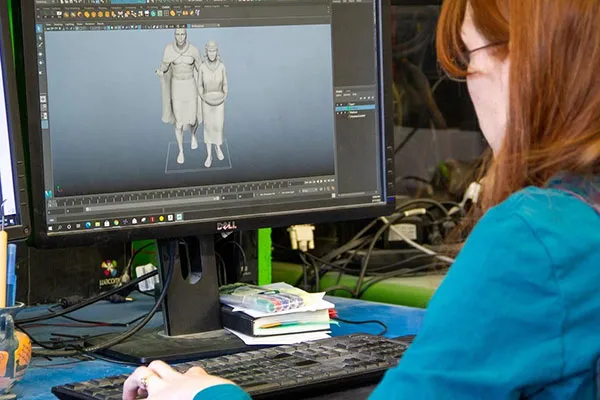
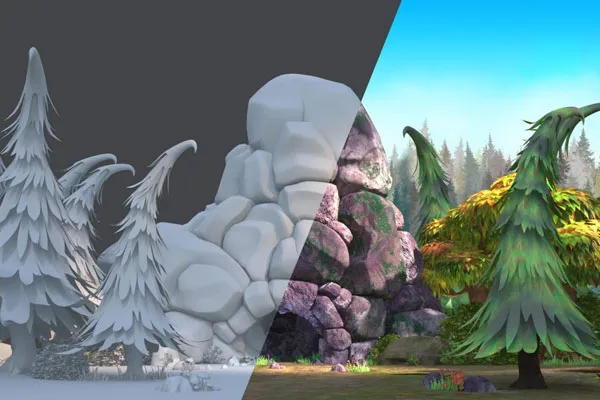
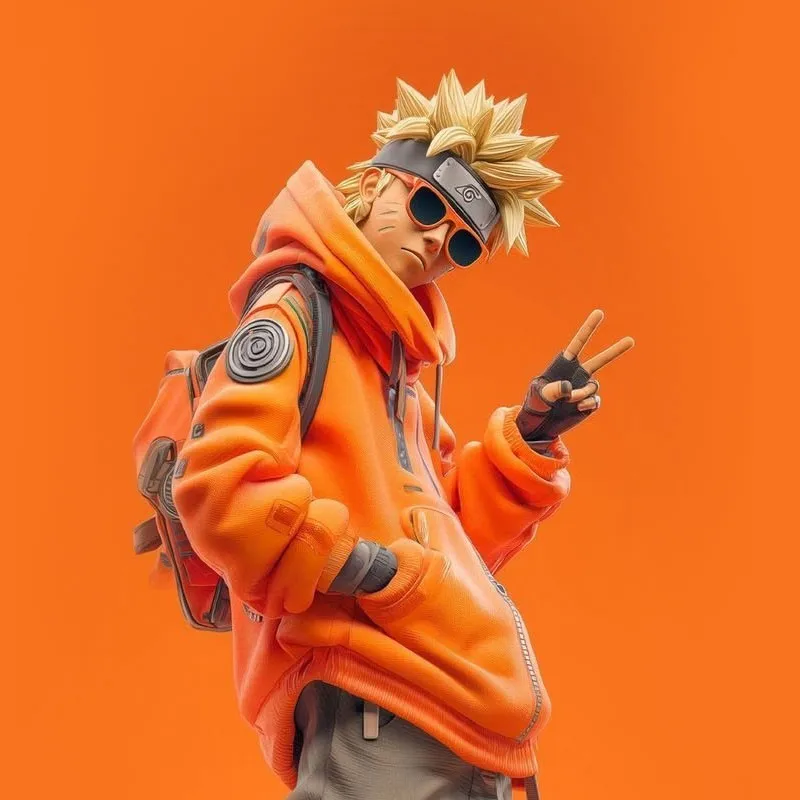
The BRILLIKO Program in Animation is an innovative and comprehensive course designed to nurture aspiring animators and digital artists. This program offers a unique blend of creative theory and hands-on practical training in the world of animation. Students will learn to bring characters and scenes to life through cutting-edge animation techniques, software, and tools.

Book Free Demo
Brilliko Program in 3D Animation
Animation Course In Ludhiana
2D Animation Course

Career Options

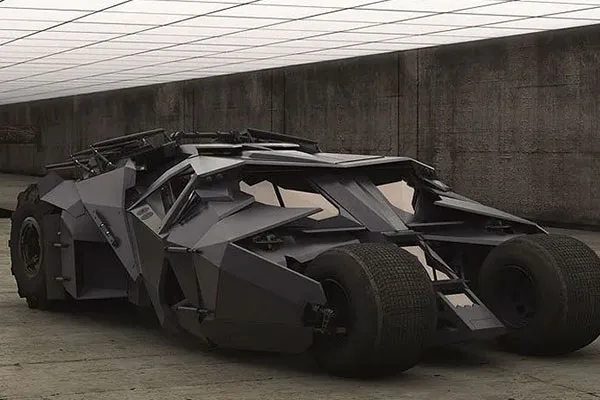
3D Modelling Artist
Texturing Artist
Lighting Artist
Render Artist
Character Animator
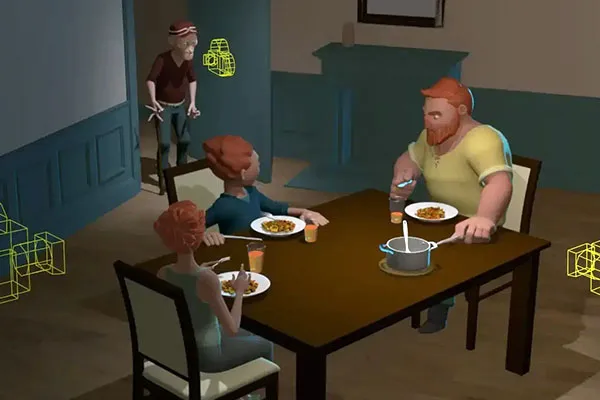
Layout Artist
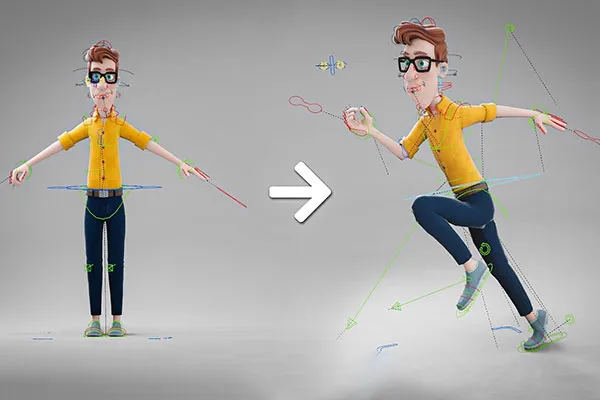
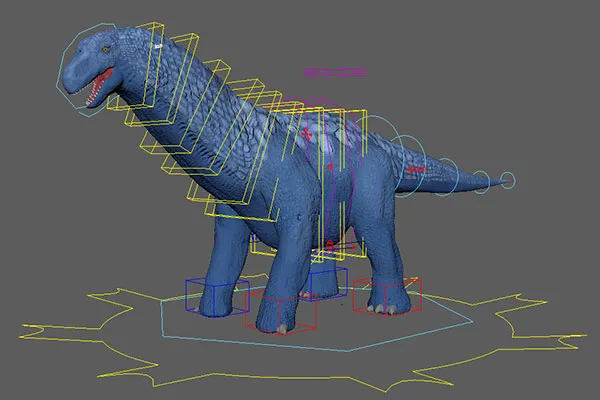
Rigging Artist
3D Generalist

Module 1 - Design Foundation & Sculpting Basics - 144 Hrs

Adobe Photoshop
  • Create Concept Art for Characters, Props, and Environments
  • Design Moodboards, Thumbnails, and Color Palettes
  • Develop Character Turnaround Sheets and Pose Guides
  • Texture Painting for 3D Reference (Diffuse Maps)
  • Retouch Hand-Drawn Sketches and Scan Cleanups
  • Design Backgrounds and Matte Elements
  • Prepare PSD Files for 3D Workflow (UV/Texturing Support)
ZBrush
  • Sculpt High-Resolution Organic Characters and Creatures
  • Explore Anatomy Using Brushes, Alphas, and Detailing Tools
  • Use Dynamesh, ZRemesher, and Subdivision Modeling
  • Block Out Stylized and Realistic Forms from Scratch
  • Add Fine Skin Textures and Pores Using Noise and Alphas
  • Create Polypaint Textures for Early Character Looks
  • Export Displacement/Normal Maps for Maya or Substance

Module 2 - 3D Modeling, Rigging & Animation - 144 Hrs

Autodesk Maya
  • Create Polygonal Models: Characters, Props, and Sets
  • Rig Characters Using Joints, IK Handles, and Controllers
  • Animate Body Mechanics: Walk, Run, Jump, Lip-Sync
  • Apply Constraints and Deformers for Flexible Animation
  • Use Timeline, Graph Editor, and Dope Sheet for Fine Control
  • Set Up Cameras and Render Passes
  • Export Animation for Rendering and Compositing
Blender Pro
  • Design and Model Secondary Assets for Environments
  • Animate Props and Character Elements for Cutscenes
  • Use Modifiers, Mirror, and Array Tools for Fast Modeling
  • Animate with Keyframes, Graph Editor, and Rigs
  • Implement Lighting and Shadow Control in Scenes
  • Eevee for Real-Time Preview and Cycles for Final Renders
  • Export Animations and 3D Elements for External Use

Module 3 - Texturing, Lighting & Final Output - 144 Hrs

Substance 3D (Painter)
  • Apply PBR Texturing for Realism and Stylization
  • Use Smart Materials and Generators for Fast Results
  • Bake Maps: Normal, Ambient Occlusion, Curvature, and ID
  • Paint Wear, Dirt, Scratches, and Surface Aging
  • Texture UV-Mapped Assets with Precision
  • Export Textures for Use in Maya, Blender, or Unreal
  • Create Render-Ready Texture Packs for Portfolio Use
Maya / Blender (Advanced Use)
  • Set Up 3-Point Lighting and Environmental Illumination
  • Integrate Final Textures with Shaders and Render Setups
  • Animate Camera Shots with Depth of Field and Parallax
  • Use AOVs and Render Layers for Compositing Flexibility
  • Fine-Tune Light Bounces, Shadows, and Reflections
  • Render with Arnold (Maya) or Cycles (Blender)
  • Export Shots for Editing, Grading, or Showreel Assembly
Call Brilliko Institutes Call Brilliko Institutes