• 1800 572 5501
  • info@brilliko.com

Brilliko Program in
Game Designing - BPG

Duration : 432 HRS

Brilliko Program In Game Designing

Gaming stands out as one of the most interesting, creative, and innovative technology-driven fields in IT. The increasing demand for mobile, console, and PC gaming is driving the need for gaming professionals worldwide. Turn your passion into expertise and level up your career with our comprehensive gaming course.

Book Free Demo
Brilliko Program In Game Designing
Learn Game Designing at Brilliko
Advanced Game Designing Course Ludhiana

Career Opportunities

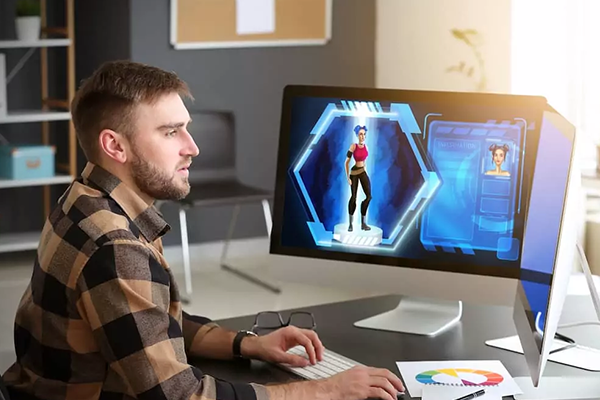
3D Artist

3D Artist

Game Designer

Game Designer

Level Designer

Level Designer

Technical Artist

Technical Artist

Lighting Artist

Lighting Artist

Shader Developer

Shader Developer

VR Developer

VR Developer

AR Developer

AR Developer

Course Content

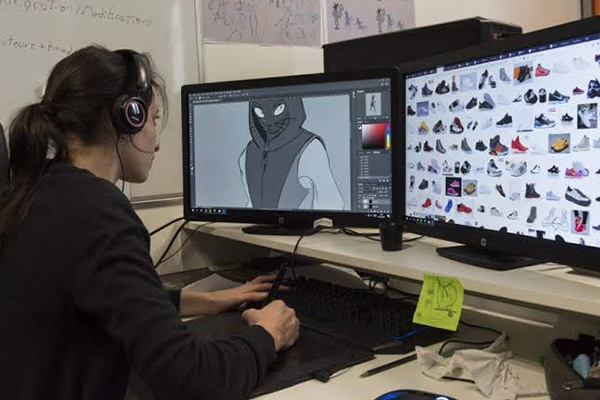
Adobe Photoshop

  • Introduction to Digital Art for Games
  • Designing 2D Characters, Props & Backgrounds
  • Texture Painting & Concept Art Creation
  • Game UI Elements (Buttons, Menus, Icons)
  • Matte Painting Techniques for Game Environments

Adobe Illustrator

  • Vector Art for Stylized Game Graphics
  • Creating Scalable Icons and Game HUDs
  • Logo Design for Game Branding
  • Designing Vector Characters and Props
  • Converting Artwork for Use in Engines

Sketching (Manual & Digital)

  • Game Idea Visualization Through Thumbnails
  • Character and Environment Conceptualization
  • Anatomy, Posture & Gesture Drawing
  • Perspective and Layout Design for Game Levels

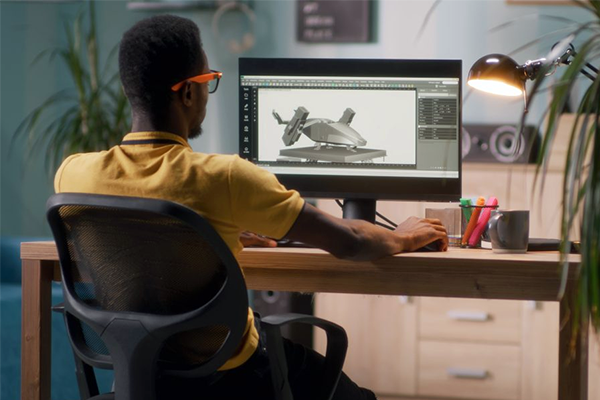
Autodesk Maya (Modeling & Texturing)

  • 3D Game Modeling Workflow: Low & High Poly
  • Hard Surface Modeling for Assets & Props
  • Organic Modeling for Characters & Creatures
  • UV Unwrapping and Layout
  • Applying PBR Textures and Baking Maps
  • Rigging Characters and Mechanical Objects
  • Scene Optimization for Game Export

Adobe Photoshop (Texturing Support)

  • Creating and Editing Texture Maps
  • Seamless Textures for Terrain and Props
  • Normal, Bump & Specular Map Creation
  • Hand-Painted Texture Techniques
  • Texturing for Stylized vs Realistic Games

Unity / Unreal Engine

  • Introduction to Game Engines
  • Importing Assets and Setting Up Projects
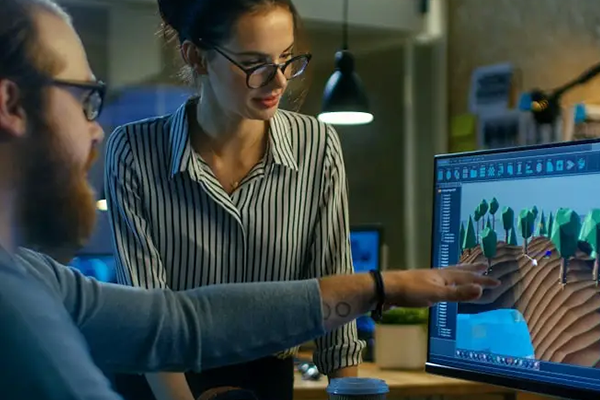
  • Scene Creation and Level Design
  • Lighting, Materials & Environment Setup
  • Basic Scripting (Blueprints or C# Logic)
  • Physics, Interaction, Triggers & UI Integration
  • Camera Setup, Player Control and Animations
  • Packaging and Publishing a Game Demo

Motion Capture

  • Introduction to Motion Capture
  • Importing Mocap Data into Rigs
  • Cleaning Up and Editing Animations
  • Retargeting Animations onto 3D Characters
  • Real-Time Preview and Animation Export

Autodesk Maya (Character Animation)

  • Animation Principles for Games
  • Walk, Run, Jump and Idle Cycles
  • Interactive Action Animations (Attack, Defend, etc.)
  • Syncing Animations with Game Mechanics
  • Exporting Animation Clips for Game Engines
Game Design & Development Course

Software Covered

Adobe Photoshop

Adobe Illustrator

Sketching

Autodesk Maya

Autodesk 3ds Max

Unity

Unreal Engine

Motion Capture

AI Tools

Perplexity AI

GitHub Copilot

Leonardo AI

ChatGPT

Midjourney

Scenario AI

Meshy AI

Luma AI

Runway

Adobe Firefly

Call Brilliko Institutes