• 1800 572 5501
  • info@brilliko.com

Duration : 120 HRS

Brilliko Program in Graphic Design

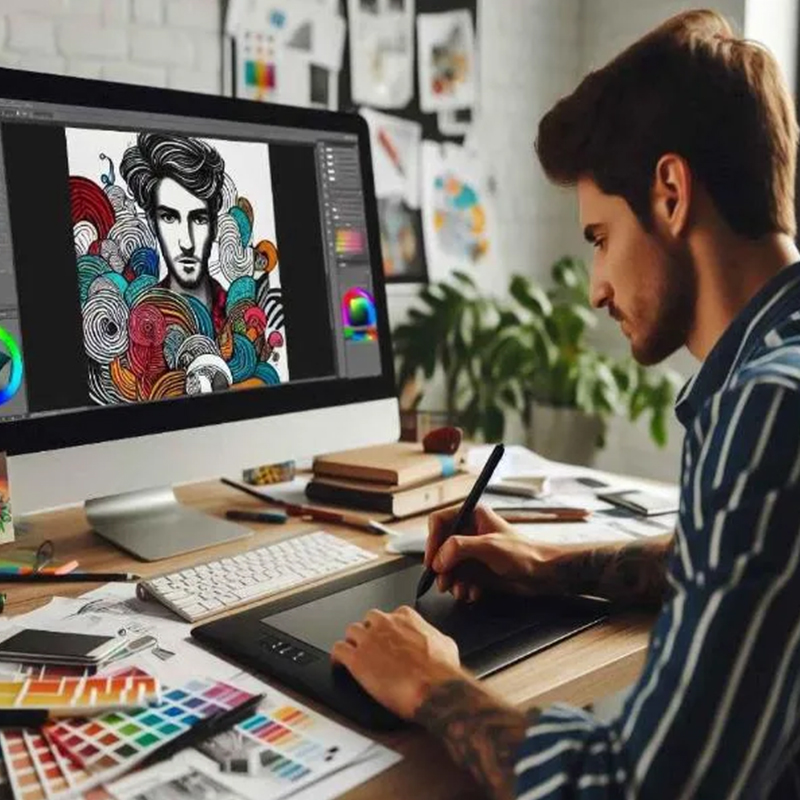
Brilliko Institute of Multimedia's Graphic Designing Course covers essential design principles, software proficiency, and hands-on projects, providing a comprehensive skill set for creating impactful visual content in various media. Elevate your design expertise with our industry-relevant curriculum and experienced instructors.

Book Free Demo
Brilliko Program in Graphic Design
Animation Course In Ludhiana
2D Animation Course

Career Options

3D Modelling Artist
Graphic Designer
UI/UX Designer
Web Designer
Branding Specialist
Multimedia Artist
Art Director
Animation Specialist
VFX Artist

Module 1 - Graphic Design & Layout Essentials - 120 Hrs

Adobe Photoshop
  • Edit and Retouch Images Using Tools Like Healing Brush
  • Design Posters, Banners, and Creative Ads for Print & Web
  • Work with Layers, Masks, and Adjustment Layers
  • Create Digital Compositions and Creative Mockups
  • Design Social Media Posts, Thumbnails, and Creatives
  • Apply Filters, Effects, and Layer Styles for Visual Enhancement
  • Use Text Tools to Design Typography-Based Layouts
  • Prepare Optimized Outputs for Print, Web, and Presentations
Adobe InDesign
  • Design Brochures, Catalogs, Magazines, and Flyers
  • Work with Master Pages, Styles, and Text Formatting
  • Arrange Multi-Page Layouts with Grids and Guides
  • Insert and Manage High-Resolution Images and Vector Files
  • Create Interactive PDFs with Buttons and Links
  • Manage Typography Across Long Documents
  • Organize Design Workflow with Layers and Frames
  • Export for Digital Publishing and Print-Ready Formats
Adobe Illustrator
  • Design Vector-Based Logos, Icons, and Illustrations
  • Use Pen Tool, Shape Builder, and Pathfinder Effectively
  • Apply Gradients, Strokes, and Complex Patterns
  • Create Typographic Logos and Stylized Text Effects
  • Design Infographics, Charts, and Professional Icons
  • Work with Artboards for Multi-Format Projects
  • Build Brand Kits Including Business Cards and Stationery
  • Export Assets in Multiple Formats (SVG, PDF, PNG, etc.)
CorelDRAW
  • Create Print-Ready Designs Like Leaflets, Flyers
  • Work with Vector Shapes, Curves, and Artistic Text
  • Use PowerClip, Envelope, and Blend Tools for Creative Effects
  • Design Layouts for Hoardings, Packaging, and Merchandise
  • Apply Color Palettes, Gradients, and Transparencies
  • Prepare Print Separations and Color Proofing
  • Import/Export with AI, PDF, CDR, and EPS Formats
  • Setup Files with Accurate Dimensions and Bleed
Photography
  • Understand Camera Settings: Aperture, Shutter Speed, ISO
  • Compose Shots Using Rule of Thirds and Leading Lines
  • Capture Portrait, Landscape, Product, and Event Photography
  • Edit and Retouch Photos for Professional Results
  • Work with Natural and Artificial Lighting Techniques
Call Brilliko Institutes Call Brilliko Institutes