• 1800 572 5501
  • info@brilliko.com

Brilliko Program In
Editing & Color Grading - BPECG

Duration : 360 Hrs

Brilliko Program In Editing & Color Grading

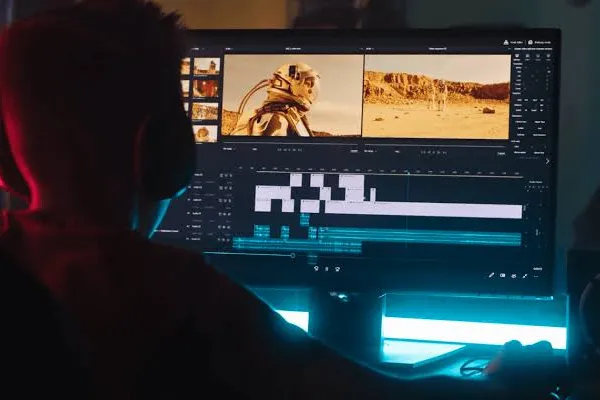
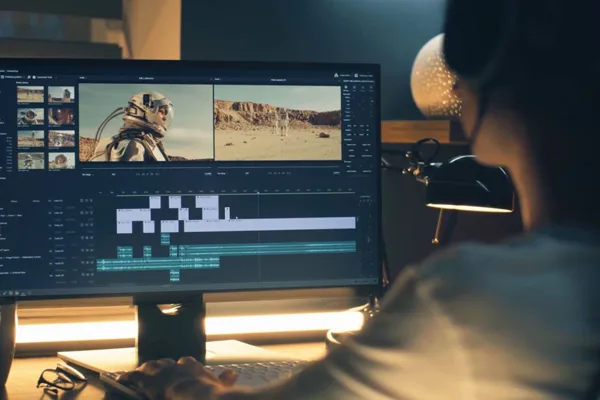
Master the art of precise color correction and advanced editing techniques in our Editing and Color Grading program. Elevate your storytelling and unleash creativity with hands-on experience in industry-standard software.

Book Free Demo
Best Editing Course in Ludhiana
Brilliko Program In Editing & Color Grading
Brilliko Best Program In Ludhiana

Career Opportunities

Compositor

Video Editor

Colorist

Post-Production Specialist

Film and TV Production

Content Creator

Creative Director

Advertising and Marketing

Course Content

Adobe Photoshop

  • Design Thumbnails, Posters, and Title Graphics
  • Edit and Retouch Images for Use in Video Projects
  • Create Lower-Thirds and Social Media Visuals
  • Prepare Layered PSD Files for Use in Premiere/After Effects
  • Optimize Images for Different Screen Formats

Adobe Premiere Pro

  • Edit Videos Using Timeline-Based Tools and Techniques
  • Add Transitions, Effects, and Titles
  • Sync Audio and Video, and Edit Multi-Camera Footage
  • Apply Basic Color Correction and Grading
  • Export in Multiple Formats for YouTube, OTT

Adobe Audition

  • Clean Up and Enhance Dialogue and Background Audio
  • Record and Edit Professional Voiceovers
  • Use EQ, Reverb, and Other Audio Effects
  • Work with Multi-Track Sessions for Layering Sound
  • Export High-Quality Audio for Integration into Video Projects

Adobe After Effects

  • Animate Text, Titles, and Motion Graphics
  • Key Green Screen Footage and Apply VFX
  • Use Motion Tracking and Stabilization Tools
  • Create Dynamic Intros and Logo Animations
  • Export Animations for Use in Editing Software

Silhouette

  • Execute Detailed Rotoscoping for Clean Mattes
  • Track Shapes and Layers Precisely Across Frames
  • Remove Objects and Wires Using Paint Tools
  • Generate Mattes for Nuke or After Effects
  • Handle Stereo and Depth-Based Workflows

Foundry NukeX

  • Perform Node-Based High-End Compositing
  • Apply Advanced Keying and Color Correction
  • Rotoscope and Remove Unwanted Elements
  • Integrate CGI with Live-Action Footage
  • Use 2D and 3D Tracking for Complex Shots

Blender (for VFX Integration)

  • Create and Animate 3D Text and Titles
  • Perform Basic 3D Modeling for Compositing Use
  • Use Camera Tracking to Match Live-Action Footage
  • Apply Lighting and Materials for Realistic Output
  • Export 3D Scenes for Integration into VFX Pipelines

DaVinci Resolve

  • Apply Professional Color Correction and Grading
  • Work with RAW, Log, and HDR Footage
  • Use Scopes, Power Windows, and Masks
  • Create and Apply LUTs and Stylized Looks
  • Export Final Color-Graded Videos for Delivery
Video Editing Course

Software Covered

Adobe Photoshop

Adobe Premiere Pro

Adobe Audition

Adobe After Effects

Silhouette

Foundry NukeX

Blender

DaVinci Resolve

AI Tools

Leonardo AI

Midjourney

ChatGPT

Kling AI

Adobe Firefly

Runway ML

ElevenLabs

Pika Labs

Topaz Video AI

Meshy AI

Call Brilliko Institutes